This guide covers various different PC and Mobile emulators for Game Boy, Game Boy Color, & Game Boy Advance.
Game Boy
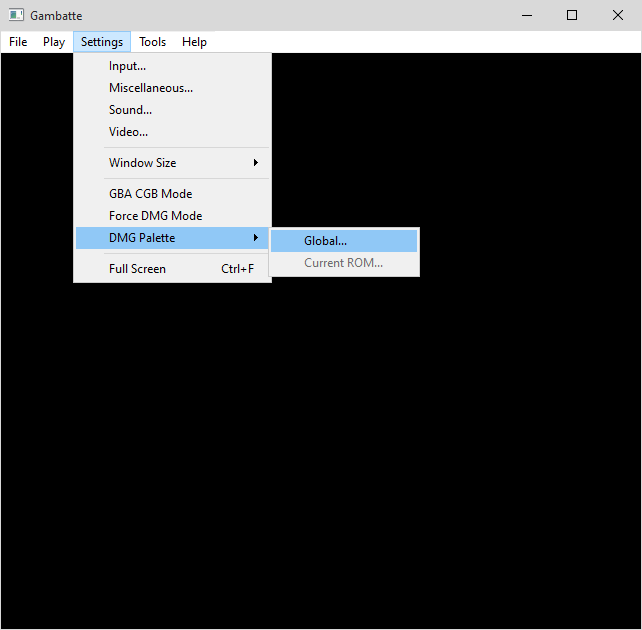
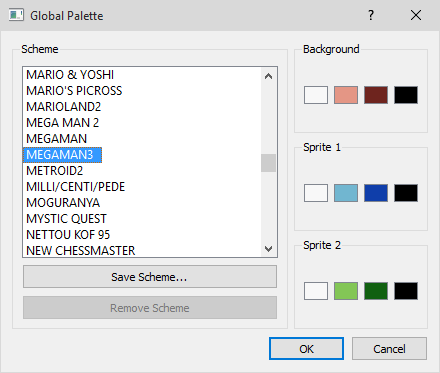
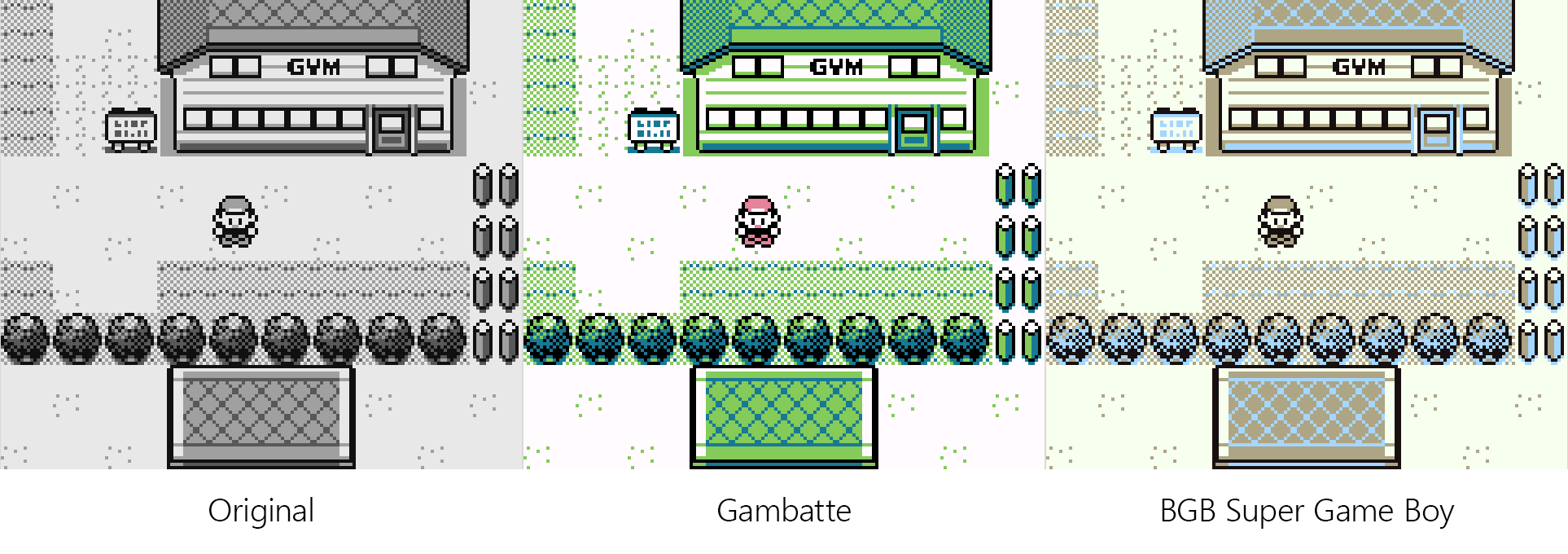
Gambatte
https://sourceforge.net/projects/gambatte/
Can also be used in RetroArch.
Color Palettes and Saves are stored in C:\Users\User\AppData\Roaming\gambatte in .sav format.
BGB (Super Game Boy)
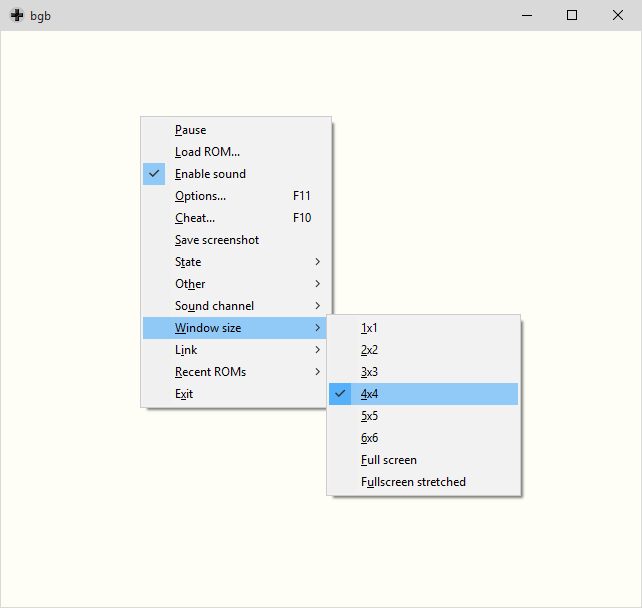
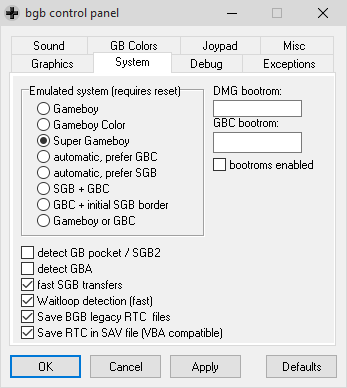
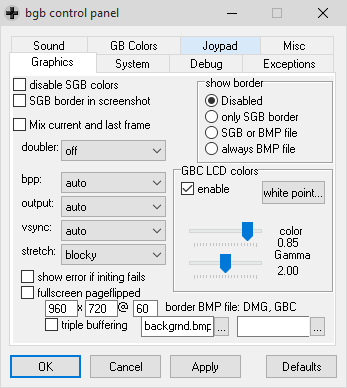
The Super Game Boy displays more colors than the traditional Game Boy Color. The screen border graphics can be disabled.
http://bgb.bircd.org/#downloads
Palettes are configured in bgb.ini.
Saves are made to the same folder as the rom in .sav format.
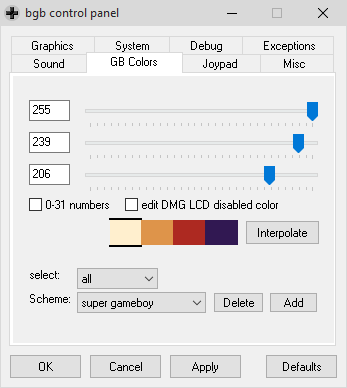
Color Schemes
http://www.emutalk.net/threads/55441-Game-Boy-Mono-quot-True-quot-colors
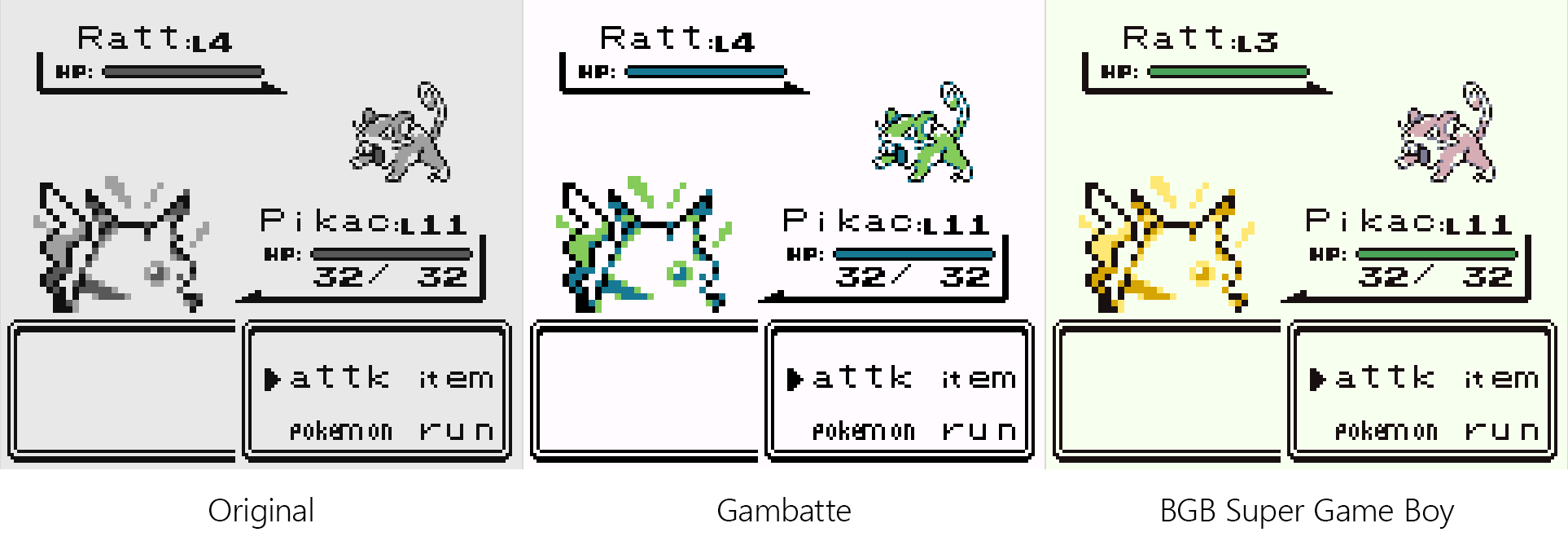
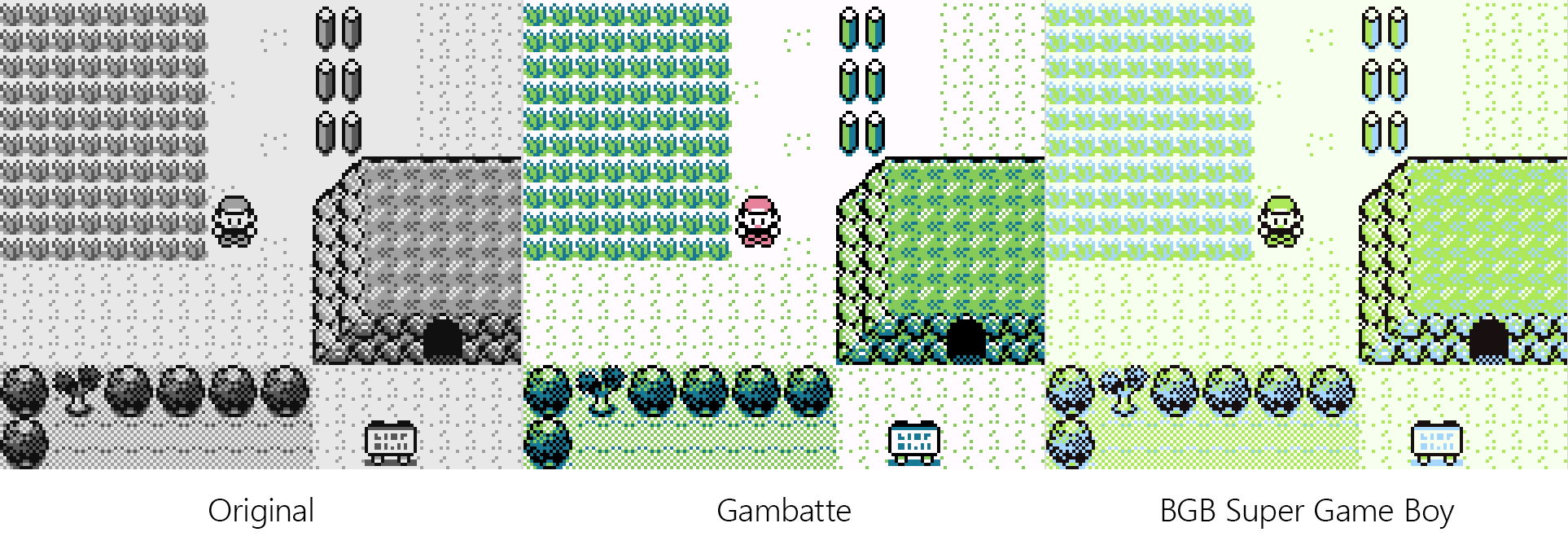
Palette Comparisons
RetroArch
Super Game Boy can be launched through command-line using bsnes and the correct SGB rom.
retroarch -L "C:\Path\To\cores\bsnes_mercury_balanced_libretro.dll" -c "C:\Path\To\config\bsnes-mercury.cfg" "C:\Path\To\Super Game Boy.sfc" --subsystem sgb "C:\Path\To\Game.gb"
Game Boy Color
BGB
http://bgb.bircd.org/#downloads
TGB Dual
Can also be used in RetroArch.
Game Boy Advance
mGBA
https://mgba.io/downloads.html
Can also be used in RetroArch.
Android
RetroArch
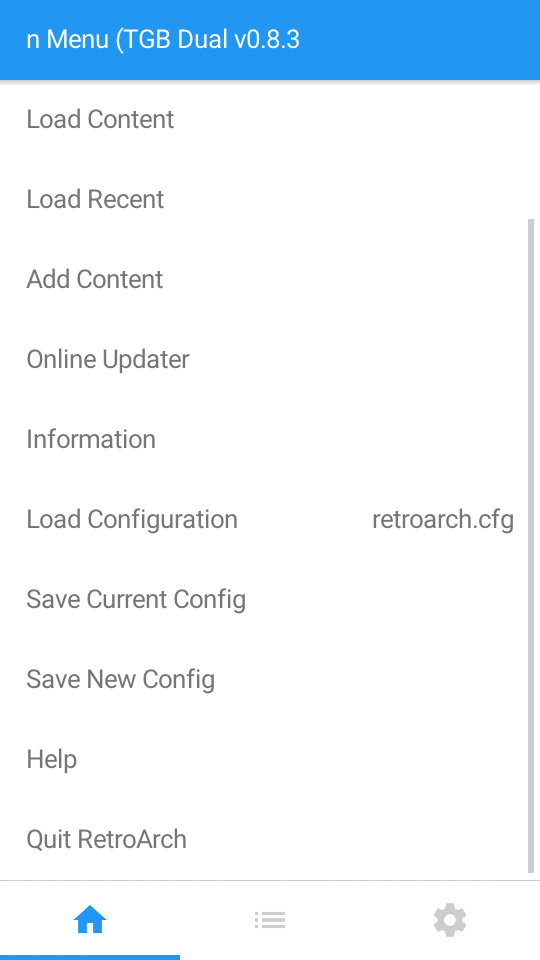
https://play.google.com/store/apps/details?id=com.retroarch&hl=en
See RetroArch Guide.
Cores:
Game Boy - Gambatte
Game Boy Color - TGB Dual
Game Boy Advance - mGBA
Saves are stored in the roms folder in .srm format.
My OldBoy! - Game Boy Color
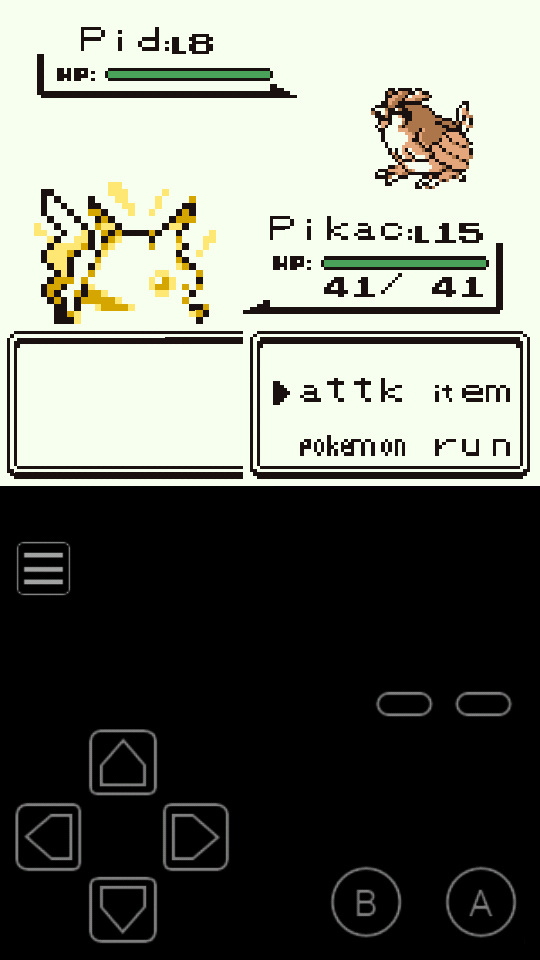
Features Flash 128k save type to work with Pokemon and Super Game Boy for colorized original Game Boy games.
Saves are stored in /sdcard/MyOldBoy/save/ in .sav format.
My Boy! - Game Boy Advance
Saves are stored in /sdcard/MyBoy/save/ in .sav format.
Convert Saves
Simply rename the save file extention to .srm for RetroArch and .sav for other emulators that use it.
If .srm is not working try using this save converter. Drag and drop the file onto the .exe, then rename it to .sav.
Controllers
Buy
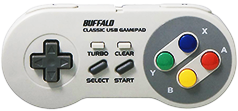
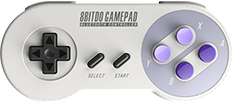
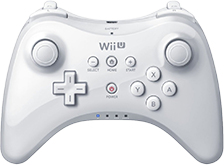
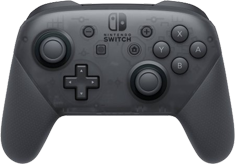
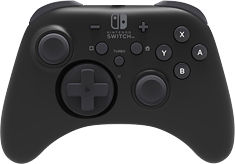
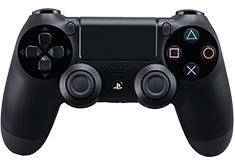
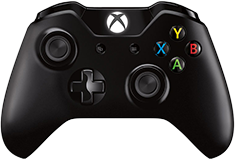

See more PC Gamepads.