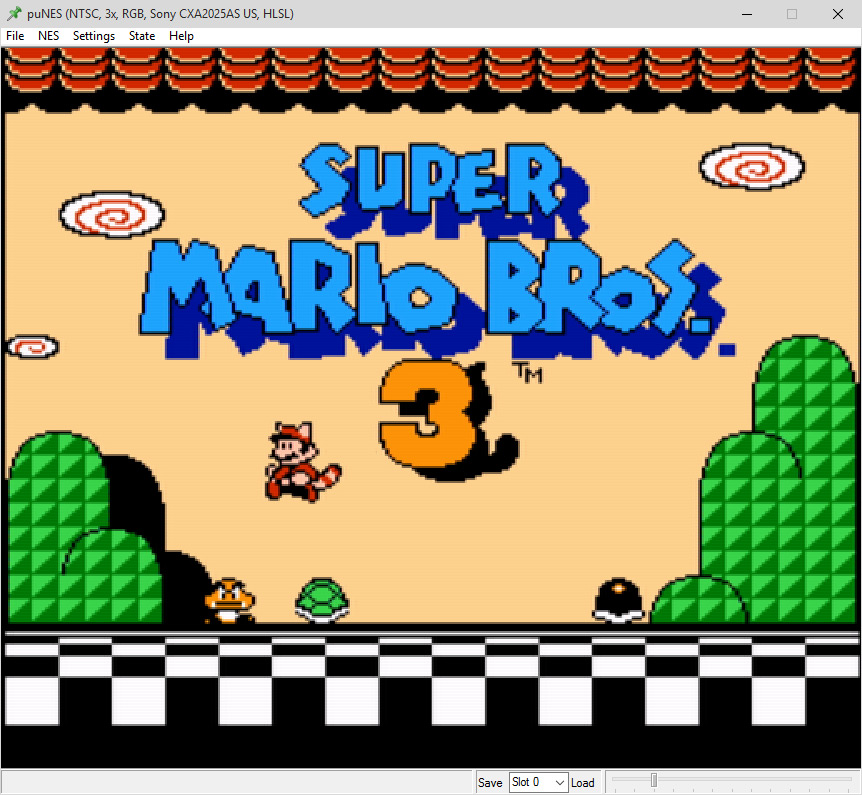
puNES
Games officially available on Nintendo Virtual Console.
puNES is considered the most accurate NES emulator for Windows and Linux.
Setup
Extract it to a folder of your choice, such as C:\Program Files\puNES\.
After running puNES for the first time, it will automatically create a folder named "puNES" in My Documents. Saves, BIOS, and configuration files will be used there.
Settings
Under Settings you can choose different display modes, video filters and color palettes.
Click Save Settings after making changes.
Quality setting:
- Filter: RGB
- Palette: Sony CSX2025AS US
A more retro looking setting:
- Filter: Composite
- Palette: NTSC
Controllers
Buy
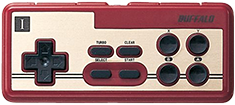
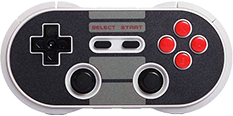
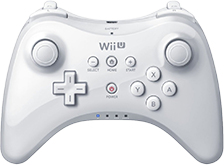
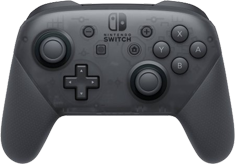
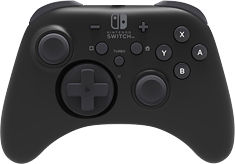
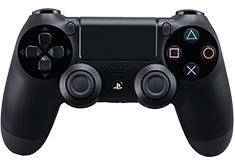
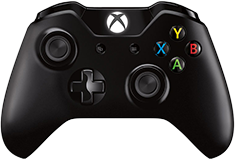
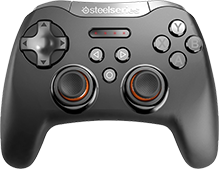
See more PC Gamepads.