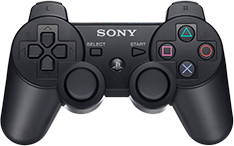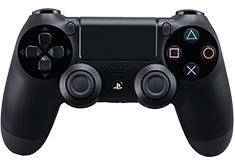
Games available on PlayStation Network.
PCSX-Reloaded is a PlayStation Emulator with support for Windows, GNU/Linux and Mac OS X. For detailed information, visit Emulation General Wiki.
The most notable feature in PCSX-R is its GTE Accuracy hack, which helps reduce polygon shaking in most games.
It will require a PlayStation BIOS file.
Features
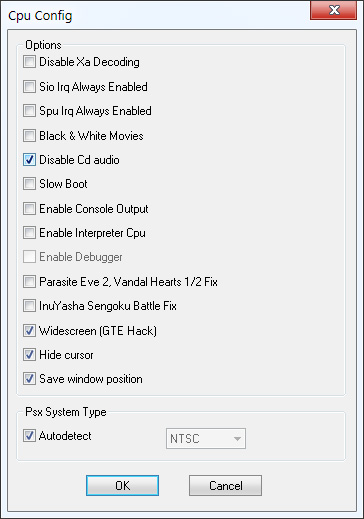
- A widescreen hack in the CPU options (3D games only)
- Compatibility with anti-jitter options, such as GTE accuracy, or Improved coordinate accuracy in Edgbla gpuBladeSoft.
- Support for Pete's OpenGL2 Tweak
- Native multitrack Cue sheet support
- Disk tray opening and closing for games that require it
- Controller support
- OS X support
Download PCSX-R (Windows)
Download PCSX-R (macOS)
Configuration
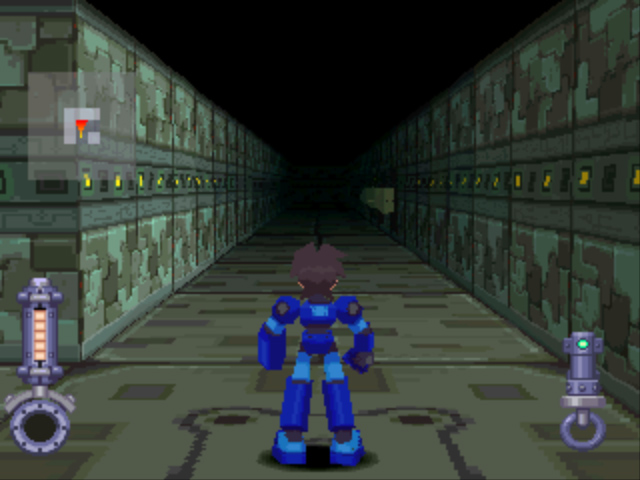
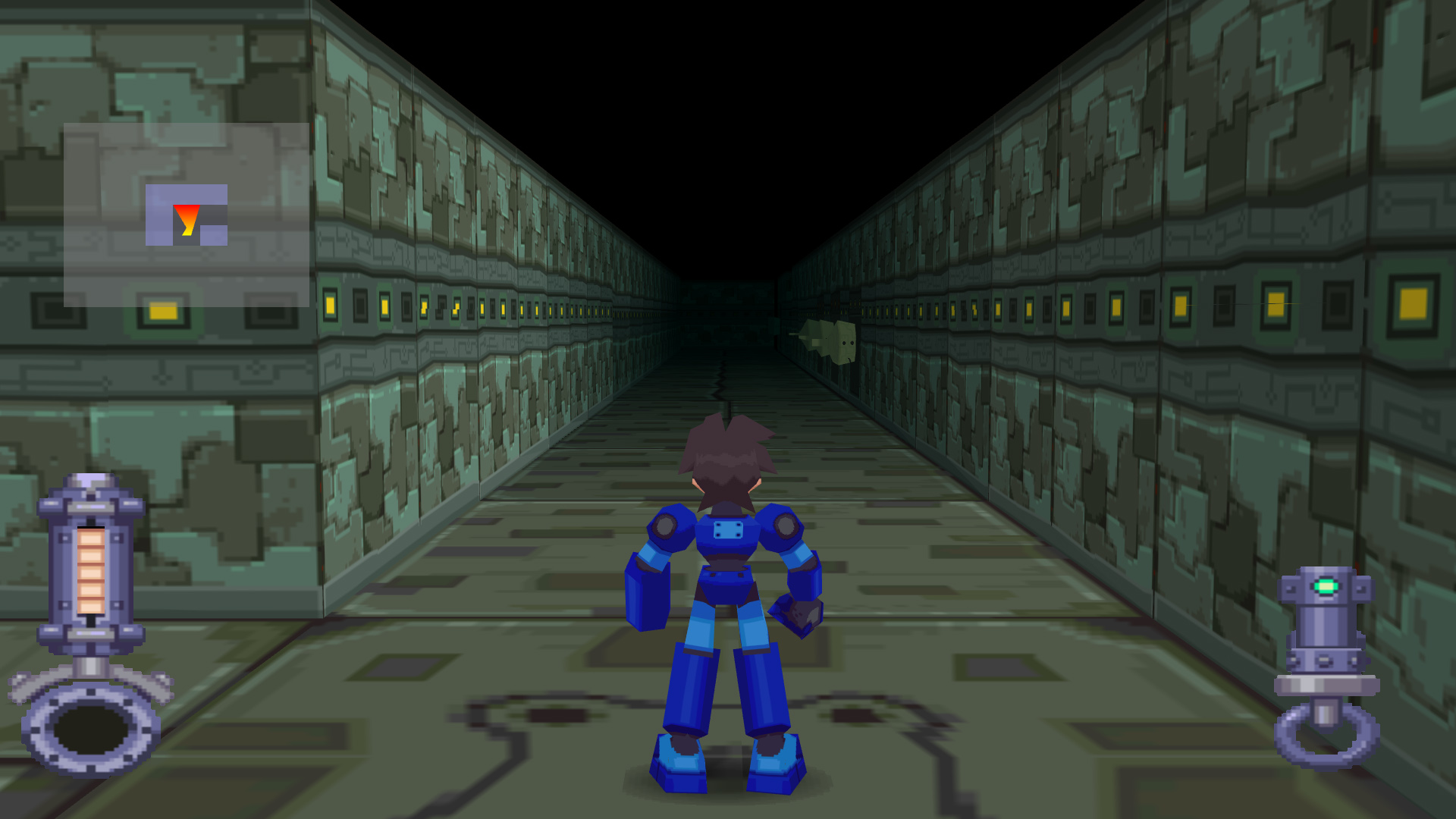
This guide shows how to set up and run games with improved graphics in widescreen high-definition.
The emulator uses a wide range of plugins that can be downloaded separately and placed in the plugins folder.
The default plugins included with PCSX-R are P.E.Op.S. OpenGL 1.78 and P.E.Op.S. Sound Audio Driver, you will need to download additional ones.
Some games may show glitched graphics and will require a different configuration, such as using a different sound plugin or graphics texture method.
You will need to lower the settings for slower computers and laptops.
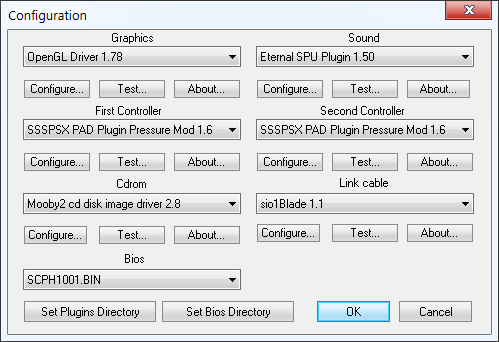
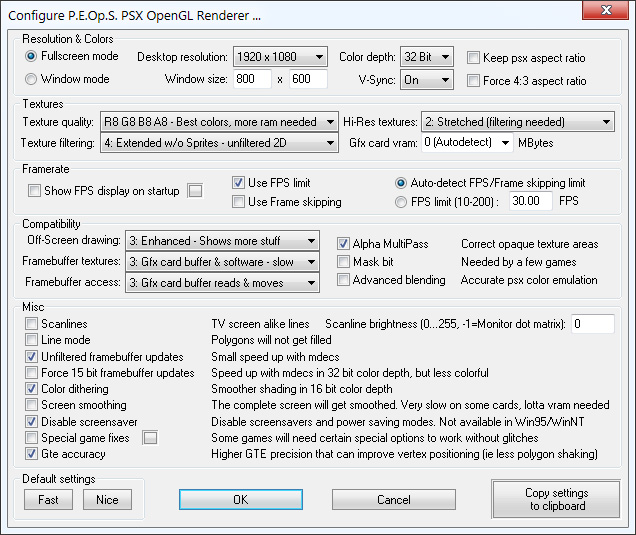
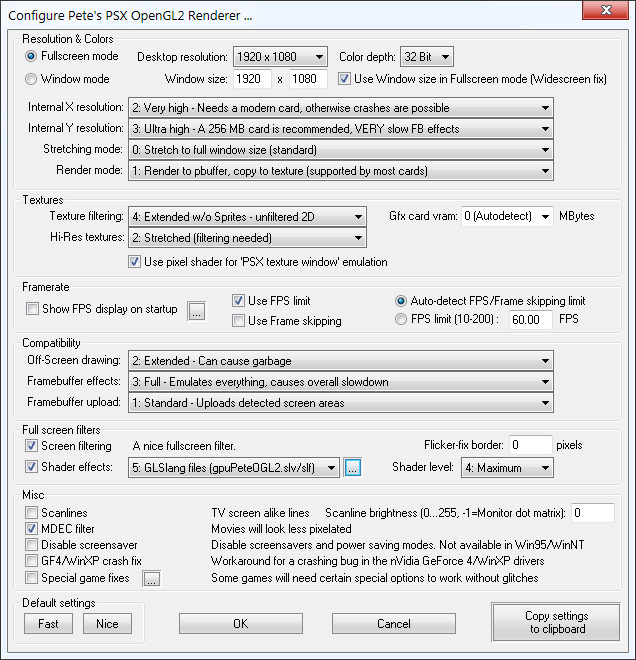
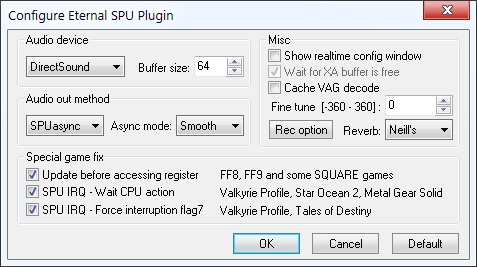
Accuracy
Mednafen is a High accuracy, multi-system emulator. The graphics should look true to the original.
Your games will need to be in .bin format and include their .cue or .ccd files in order to run.
Scanlines
See How to Setup RetroArch and the Scanline Shaders section.
Plugins
Video
- Pete's OpenGL2 2.9 (Can use custom shaders)
- PeteOpenGl2Tweak 2.3 (Can use custom shaders) - Set xBRZScale = 0 in \inis\gpuPeteOpenGL2Tweak.ini
- P.E.Op.S. Soft GPU (Zenju's xBRZ filter)
Pixel Shaders
For use with Pete's OpenGL2 2.9 & Tweak 2.3.
- http://www.pbernert.com/html/gpu.htm#SHADER
- http://www.razyboard.com/system/forum-pete_bernert-ogl2-shaders-266904.html
For an anti-aliasing effect try Pete's Scale2x, Luigi's Blur AA, ShadX's Natural shader or just using the Default OpenGL 1.78 plugin.
If the game does not work, try switching between ARB Program and GLSang files in "shader effects".
Sound
Input
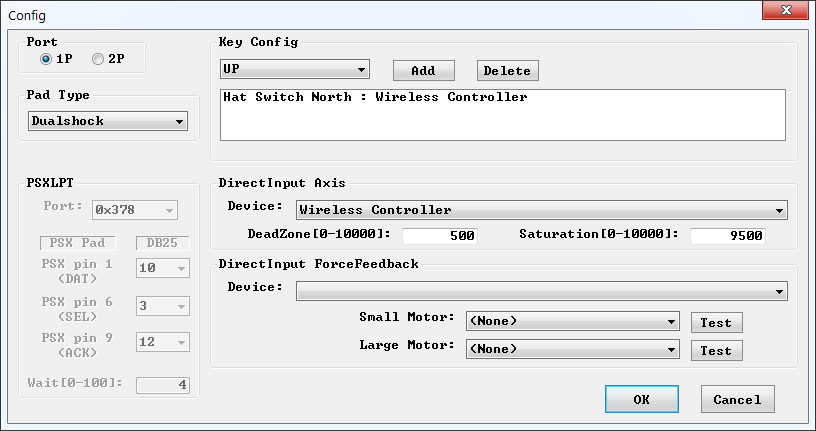
- Lilypad (works with controllers)
- LilyPad-MotioninJoy
- Harakiri (works with DualShock 3 & 4)
Keybinds
- F1: Save state
- F2: Switch to next save slot
- F3: Load state
- F4: Display state screenshot
- F5: Toggle SIO IRQ
- F6: Toggle Black & White decoders
- F7: Toggle XA
- F8: Take a game screenshot
- F9: Open the Disc tray
- F10: Close the Disc tray
- ESC: Return to the main window
- Ctrl 1 to 5: Save state 1 to 5
- Alt 1 to 5: Load state 1 to 5
- Alt 0: Load state from last ESC quit
Issues
Keybinds in Lilypad
To get hotkeys to work, like using the Esc key: in the keyboard Input API (radio buttons in the top left of the LilyPad options), choose raw input.
Changing discs
Some games (like Final Fantasy) allow you to save in the "Disc Change screen". For games that don't allow that (like Metal Gear Solid), disc switching can be a bit tricky:
- Press F9 to open Disc tray
- Press Esc to go to PCSX-R menu
- Emulator → Switch ISO...
- Emulator → Run
- Press F10 to close Disc tray
OS X disc switching
The process for switching discs on OS X is slightly different:
- Go to File → Eject…
- For physical CDs:
- The physical CD will eject.
- Replace the CD that was ejected.
- Close the drive: PCSX-R will wait for a new CD to be inserted and resume when a new one is available.
NOTE: The current release version does not wait for a new CD. An svn build will work better.
- For ISOs:
- A file selection window will come up.
- Select your new ISO.
- Click the "Open" button.
Shortcuts
To launch a game from a Windows shortcut icon, add the following (using your own paths) in the Target line:
C:\{Path to Emulator}\pcsxr.exe -cdfile "C:\{Path to ROM}\YourGame.bin"
This method is not suitable for games using more than one disc.
Analog sticks might only work with games that officially supported them, unless you custom map it.
Controllers
DualShock 4
Should be plug and play and won't require DS4Tool. Recommend using the N-Rage plugin.
Buy