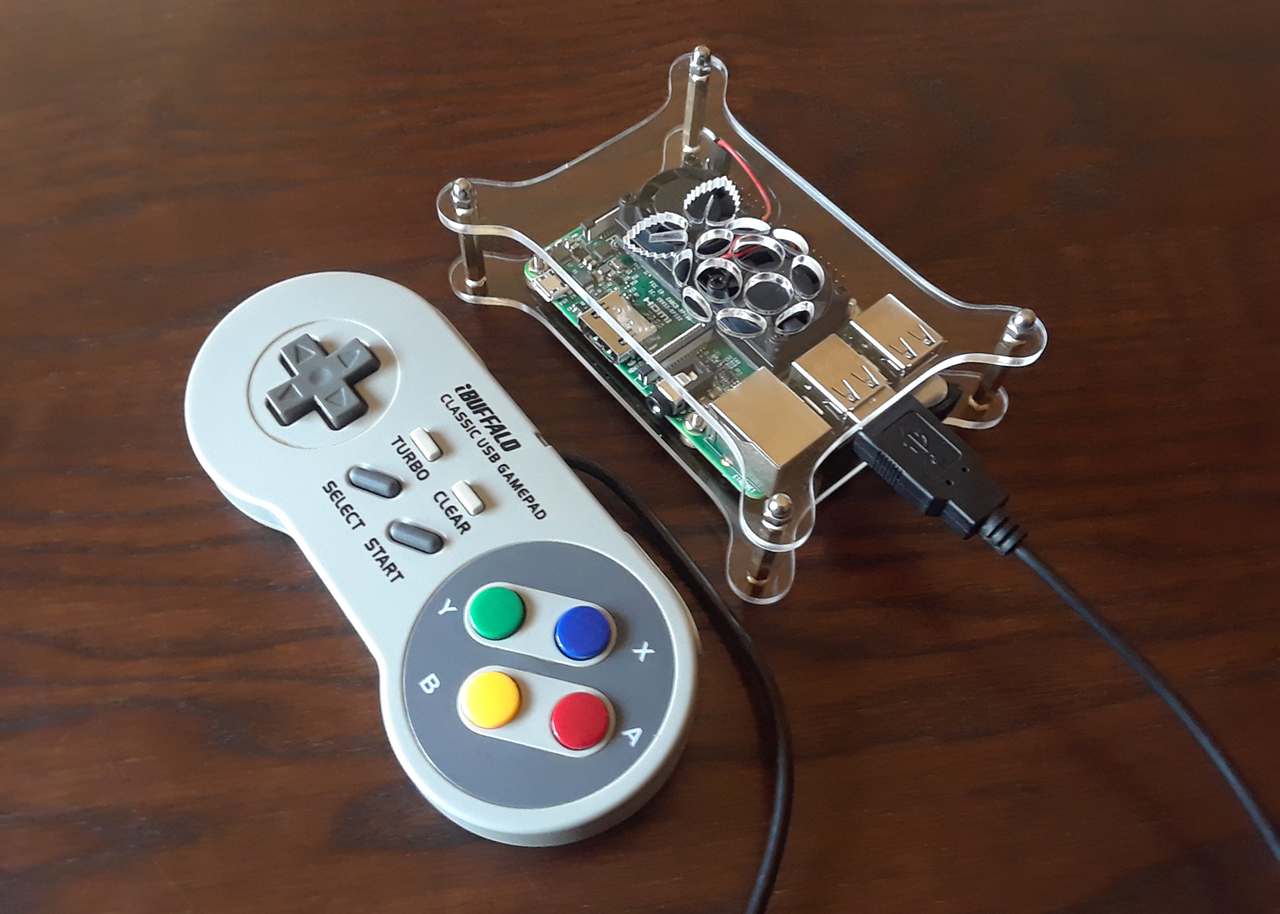
Single-board computer with wireless LAN and Bluetooth connectivity.
Hardware
Raspberry Pi
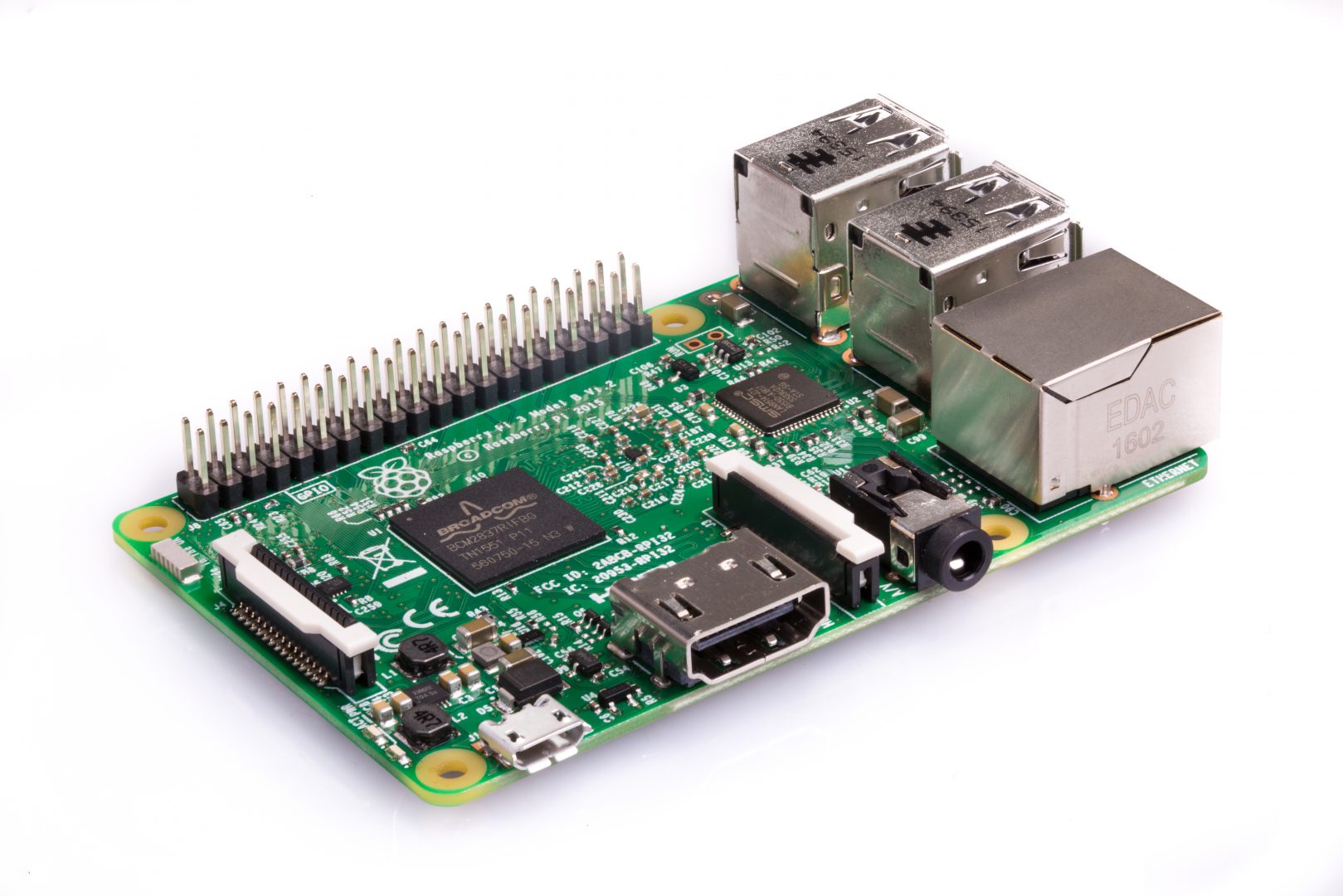
Raspberry Pi 3 Model B Motherboard
- Quad Core 1.2GHz Broadcom BCM2837 64bit CPU
- 1GB RAM
- BCM43438 wireless LAN and Bluetooth on board
- 40-pin extended GPIO
- 4 USB 2 ports
- 4 Pole stereo output and composite video port
- Full size HDMI
- CSI camera port for connecting a camera
- DSI display port for connecting a touchscreen display
- Micro SD port for loading your operating system
- Micro USB power source up to 2.5A
Case
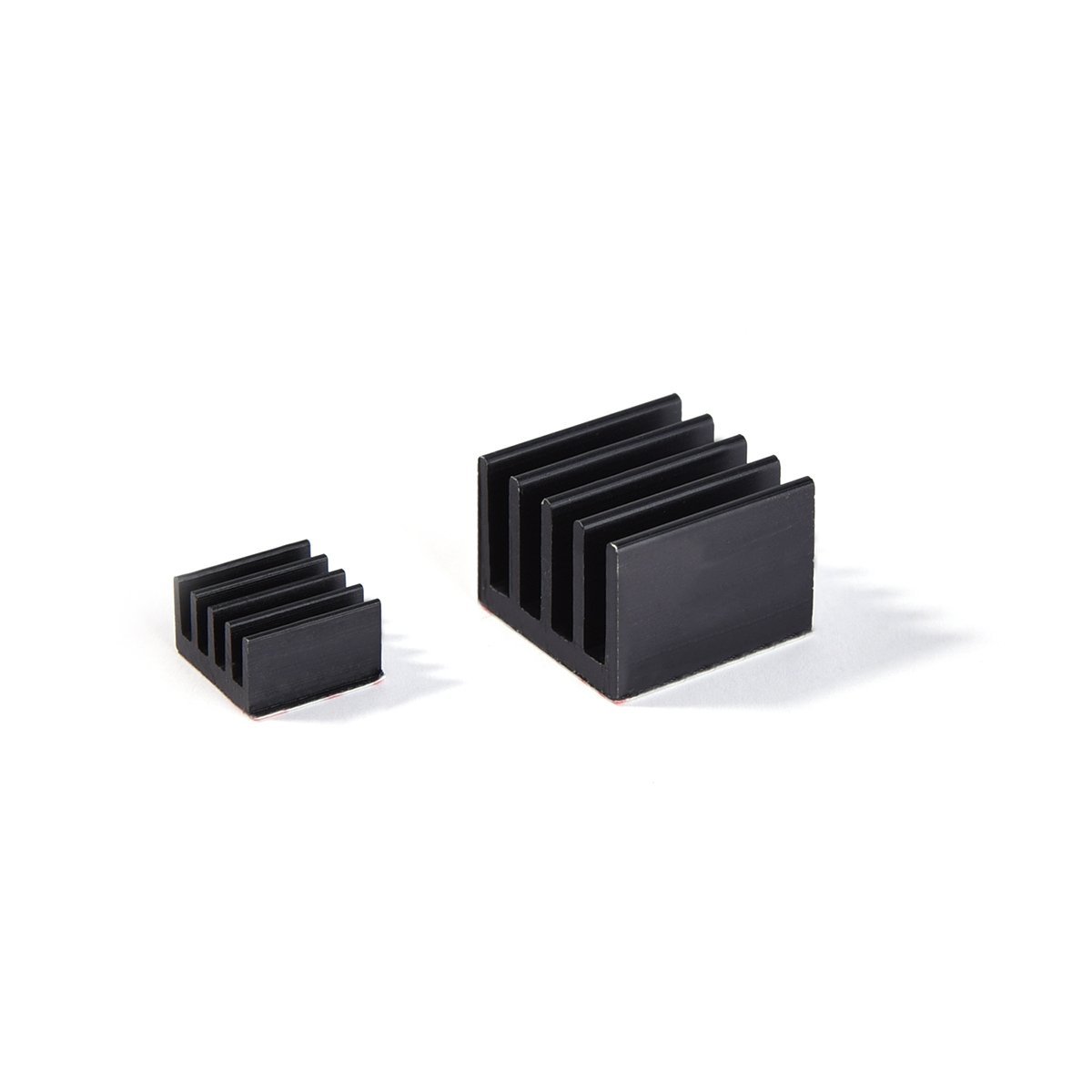
Heatsink
SD Card
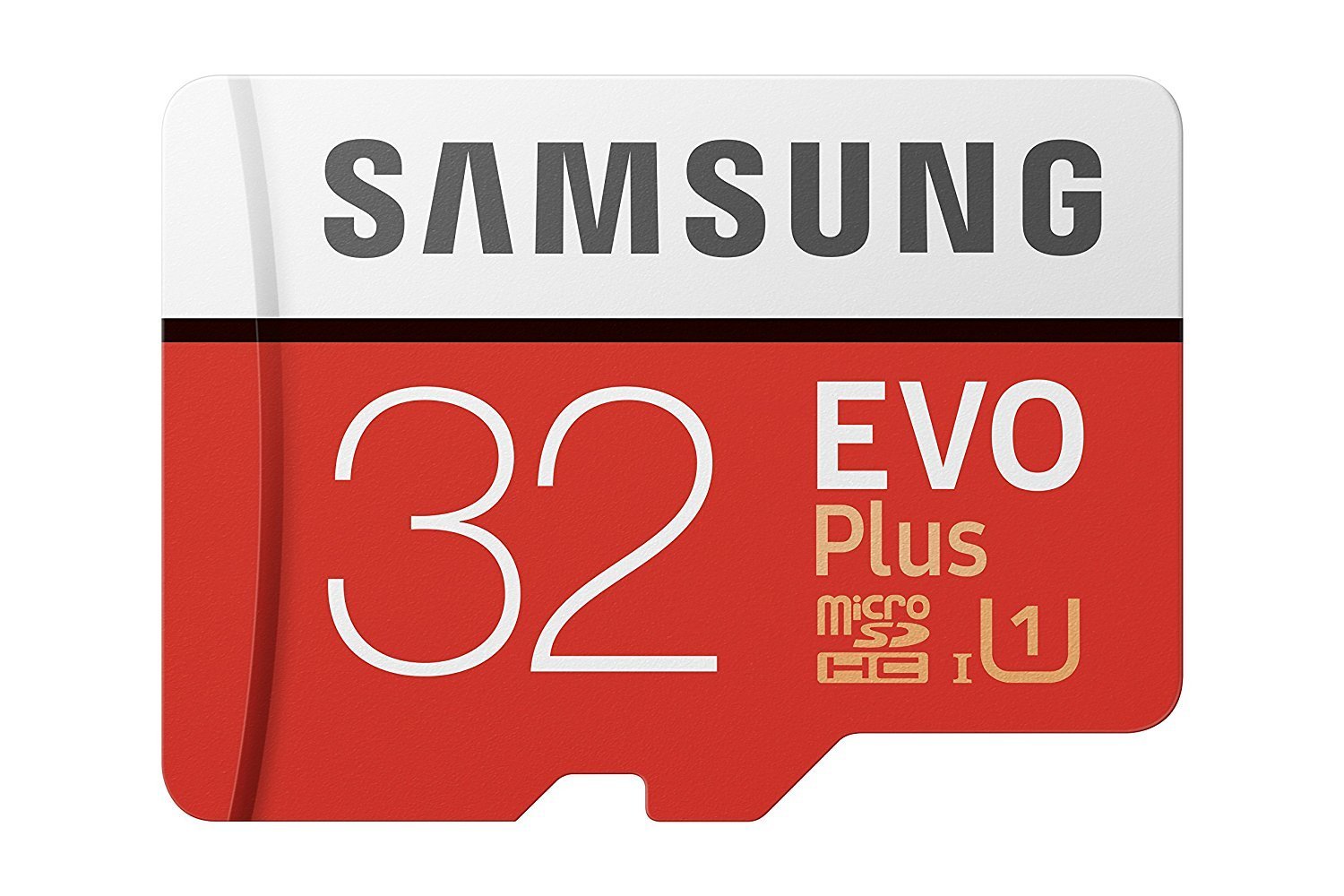
Used as the drive for the Operating System. You will need 16GB to 128GB, Class 10, with PC adapter for installation.
8 and 16-bit games are small in file size, but disc-based games take up several GB. A lower class card will be slower when installing updates.
Be sure to buy a genuine, sealed card, as there are many counterfeits.
Flash Drive
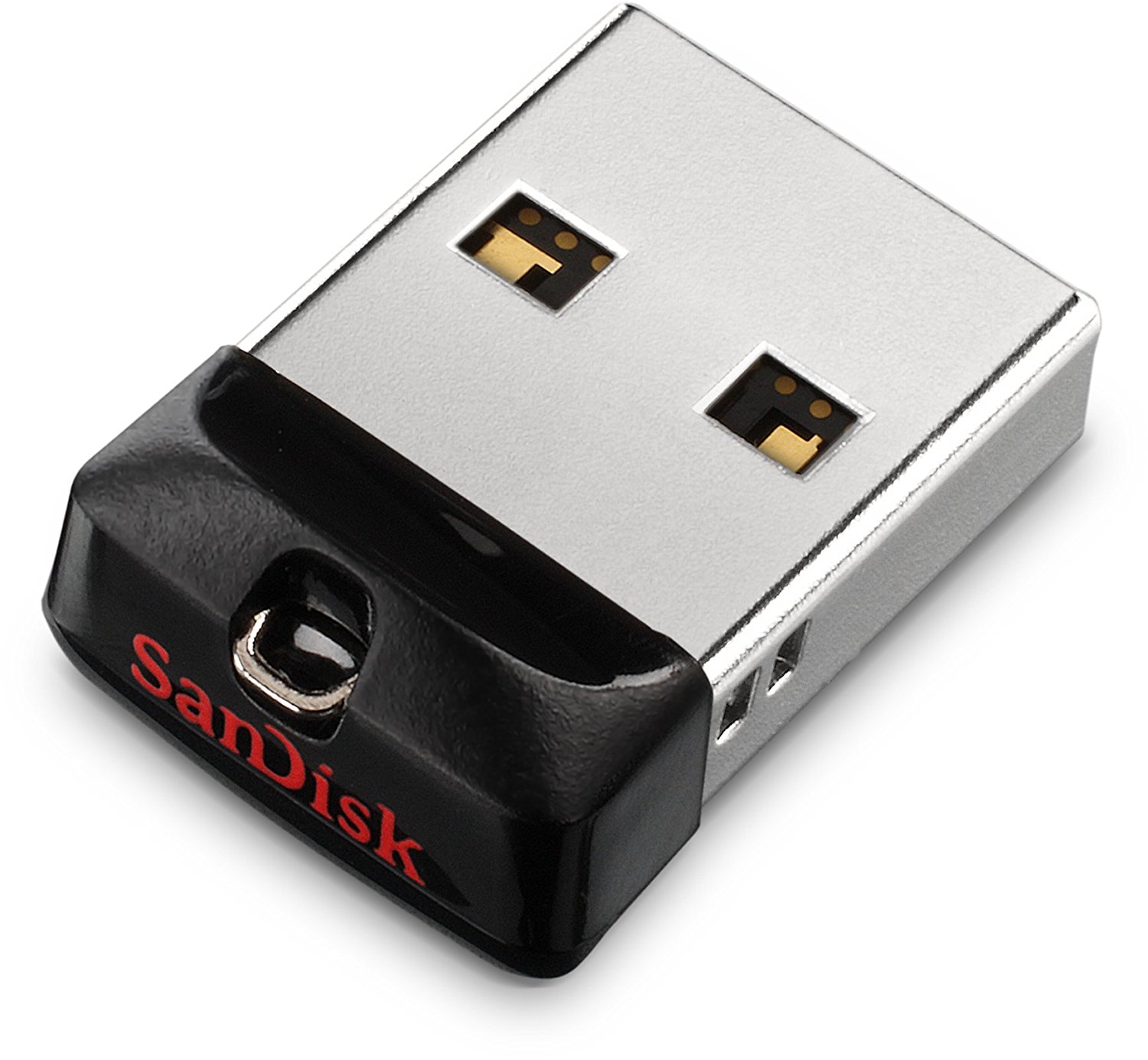
Can be used as a memory card to keep your save files in case the SD card is corrupted, though not required.
In the Lakka Directory configuration, point the save path to the drive.
Be sure to buy a genuine, sealed drive, as there are many counterfeits.
Power Switch Adapter
The Raspberry Pi does not come with an on/off switch. Without one you will need to pull and plug the cord each time you want to power on. Simplify this by using a switch.
Always power off using the software menu first, then turn the switch off to avoid corrupting the SD card.
HDMI Cable
There are several cable versions. You will need one that supports audio, as the 3.5mm analog jack may produce static.
Use a 1.4 or higher. 2.0 can support 4K at 60fps. You do not need an expensive cable.
Keyboard
A USB keyboard for accessing the terminal, canceling operations, or controlling the menu without a controller.
You may want a keyboard dedicated to the Pi so you don't have to constantly swap out your main PC keyboard.
Controller
Tools
Win32 Disk Imager
https://sourceforge.net/projects/win32diskimager/
- Install to PC
- Run Win32 Disk Imager
- Select Lakka img
- Extract Lakka imag.gz
- Select SD Card Drive Letter
- Press Write
SD Card Formatter
https://www.sdcard.org/downloads/formatter_4/eula_windows/index.html
Lakka

Lakka is a lightweight Linux distribution that transforms a small computer into a full blown retrogaming console.
- Download www.lakka.tv/get
- Select current OS and Image for Raspberry Pi 3.
- After download has finished, extract the .img file using an archiver like 7-Zip or WinRAR.
File System
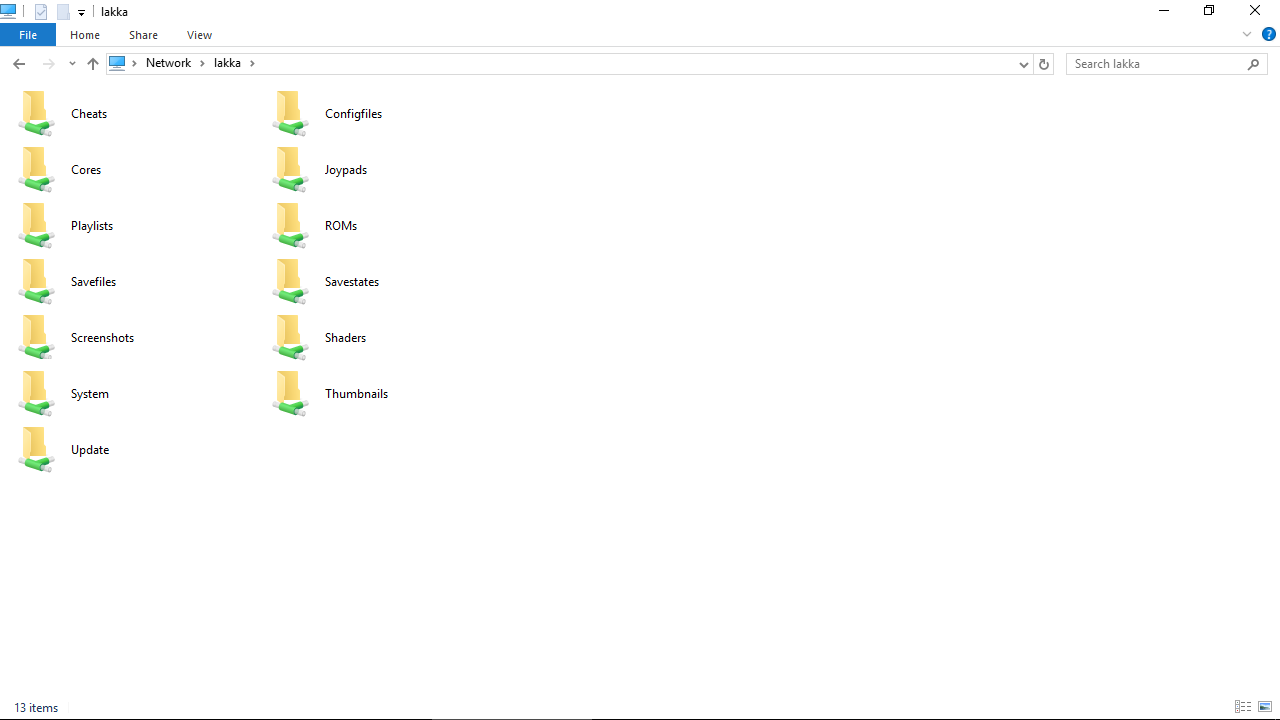
http://www.lakka.tv/doc/Accessing-Lakka-filesystem/
ROMS SD /storage/roms/
ROMS USB /storage/roms/ROMS/
Save Files /storage/roms/ROMS/Save Files/
Save States /storage/roms/ROMS/Save States/
BIOS /system
Playlists /playlists
Boxart /thumbnails
User Interface
Change Background Color:
Settings → User Interface → Appearance → Menu Color Theme
Do not change Menu Shader Pipeline, it will freeze
Do not change Icon Theme, it can freeze
Configuration
/storage/.config/retroarch/retroarch.cfg
Overrides:
- Launch a game
- Start + Select → Quick Menu → Options
- Set your options
- Quick Menu > Save Core Overrides
Emulators
Settings → Playlists
Cores:
Sega Master System - Genesis Plus GX
Sega Mega Drive Genesis - Genesis Plus GX
Microsoft MSX2 - blueMSX
FB Alpha Arcade / NeoGeo - FB Alpha
Sony PlayStation - PCSX ReARMed
NES - Nestopia UE
SNES - Snes9x 2010
NEC PC Engine TurboGrafx 16 - Beetle PCE FAST
https://forums.libretro.com/t/megathread-which-roms-work-with-lakka/5566
Networking
Access SD Card through LAN:
Main Menu → Settings → Services → SAMBA Enable
Wifi:
Main Menu → Settings → Wifi
Overclocking
https://www.raspberrypi.org/documentation/configuration/config-txt/overclocking.md
https://github.com/retropie/retropie-setup/wiki/Overclocking
# 1.3ghz Overclock
total_mem=1024
arm_freq=1300
gpu_mem=400
gpu_freq=500
core_freq=500
sdram_freq=500
sdram_schmoo=0x02000020
avoid_pwm_pll=1
v3d_freq=500
over_voltage=2
over_voltage_sdram=2
temp_limit=80
Backup
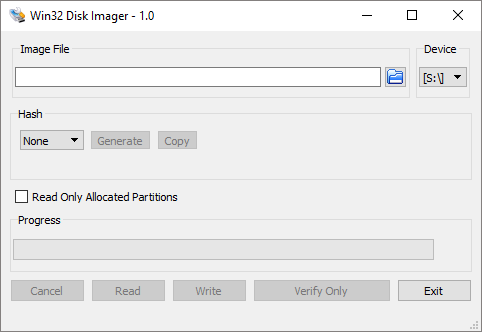
Win32 Disk Imager
https://sourceforge.net/projects/win32diskimager/
- Insert SD Card in PC
- Run Win32 Disk Imager
- Select SD Card's Device Letter
- Press Image File Folder Button
- Select a path and type a filename, such as backup.img
- Press Open
- Press Read
- Read will copy the SD card to your selected path and file, may take an hour.
- Do Not Press Write, it will overwrite the SD Card
Games
Add Games
Add games to the SD card over your Network using Ethernet or Wifi.
You will not be able to access the SD card's ext4 file system directly through Windows.
-
Lakka
Main Menu → Settings → Services → SAMBA Enable
-
Windows
- Open Explorer and enter \\lakka\ into the file browser.
- Copy games to ROMs folder.
-
Lakka
Main Menu → Import Content → Scan Directory
Playlists

Adding games creates .lpl playlist files in /playlists for the assigned emulator.
The playlists will show up as console icons on the menu.
Swap Discs
Multi-Disc Games are custom .m3u playlists that contain .cue disc files
- Start + Select → Quick Menu → Disk Control
- Press "Disk Cycle Tray Status" to Eject virtual tray
- Set Disk Index to 2
- Press "Disk Cycle Tray Status" to Close virtual tray
- Go back to Quick Menu → Resume
Saves
- Saves Directory has been pointed at Flash Drive
- Save from in-game or use LAKKA Save States.
- Start + Select → Quick Menu → Save State / Load State
Cheats
Main Menu → Online Updater → Update Cheats
- Start + Select → Quick Menu → Core Cheat Options → Cheat File Load
- Choose Console
- Choose Cheat System
- Choose Game
- Choose Cheats (Press right to turn on)
- Press Cheat File Load
- Resume Game
Exit Game
Start + Select → Quick Menu → Close Content
Quick Menu can be accessed from Main Menu
Caution
- Turn off Pi through Main Menu → Shutdown → Power Switch Off
- Do not shut down while SD card is being written to, it can corrupt card.
- Changing Icon Theme or Background Animation, it can freeze the Pi
- Scanning game folders with thousands of files can take hours. If by accident, connect keyboard and press Esc.